Duck.ai now lets you share chats, privately and on your terms
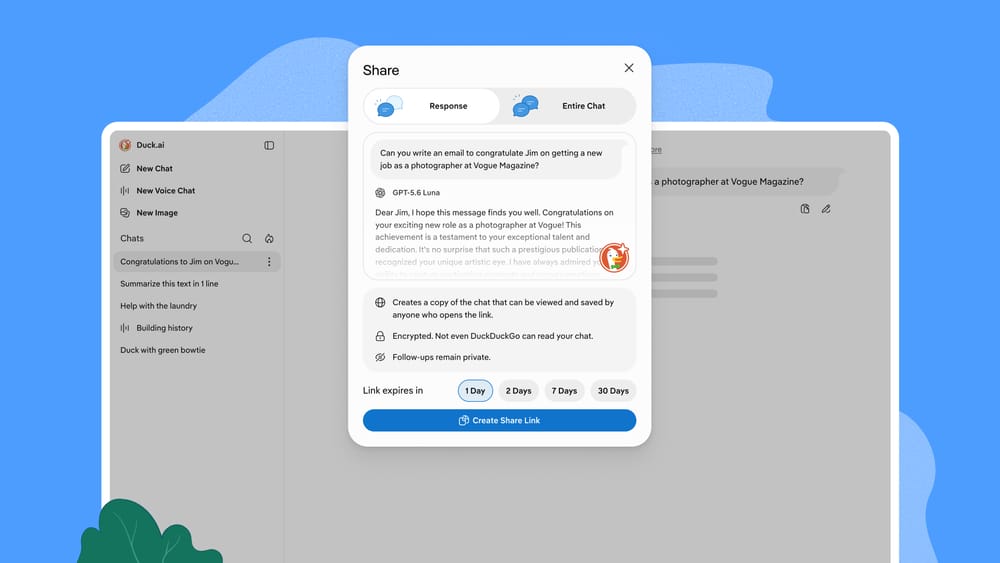
- You can now create a link to share a Duck.ai chat! Anyone who receives the link can read the chat, continue it, or save it. No account required.
- Shared chats are encrypted, and the only key that can unlock them is in the link itself, so not even DuckDuckGo can read them. Share links are unlisted, unguessable, and expire after 48 hours by default.
- Sharing is optional, like all of our AI features, and it's available now at Duck.ai.
Why build chat sharing for private AI?
People use Duck.ai to help with all kinds of tasks, like comparing options before a purchase, planning a trip, or debugging code. Until now, if you wanted to share that work with someone else, your only option was to copy and paste, which gives the other person a block of text instead of an interactive conversation they can continue.
Chat sharing fixes that. You may be asking, “how can we add sharing to a product that is designed to keep your chats private to you?” As a privacy-focused company, we take this concern seriously, and we designed this feature with privacy at its core.
How it works
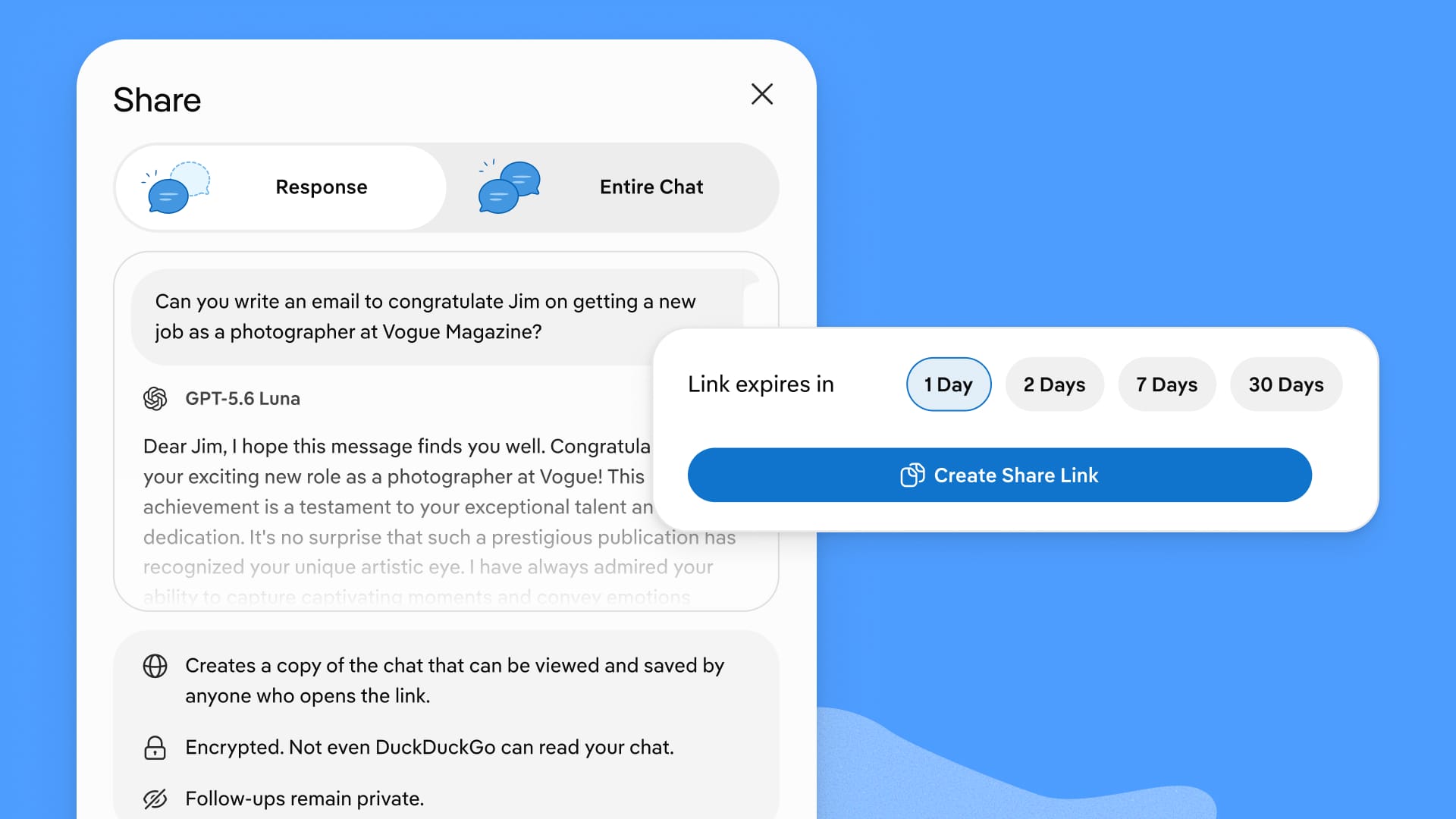
To share, click the share icon beneath any Duck.ai response and choose whether to share just that response or the entire chat up to that point. You can also share a full conversation from the 3-dot menu ⋮ next to it in your chat list. Select Share > Create Share Link, copy it, and send it however you like.
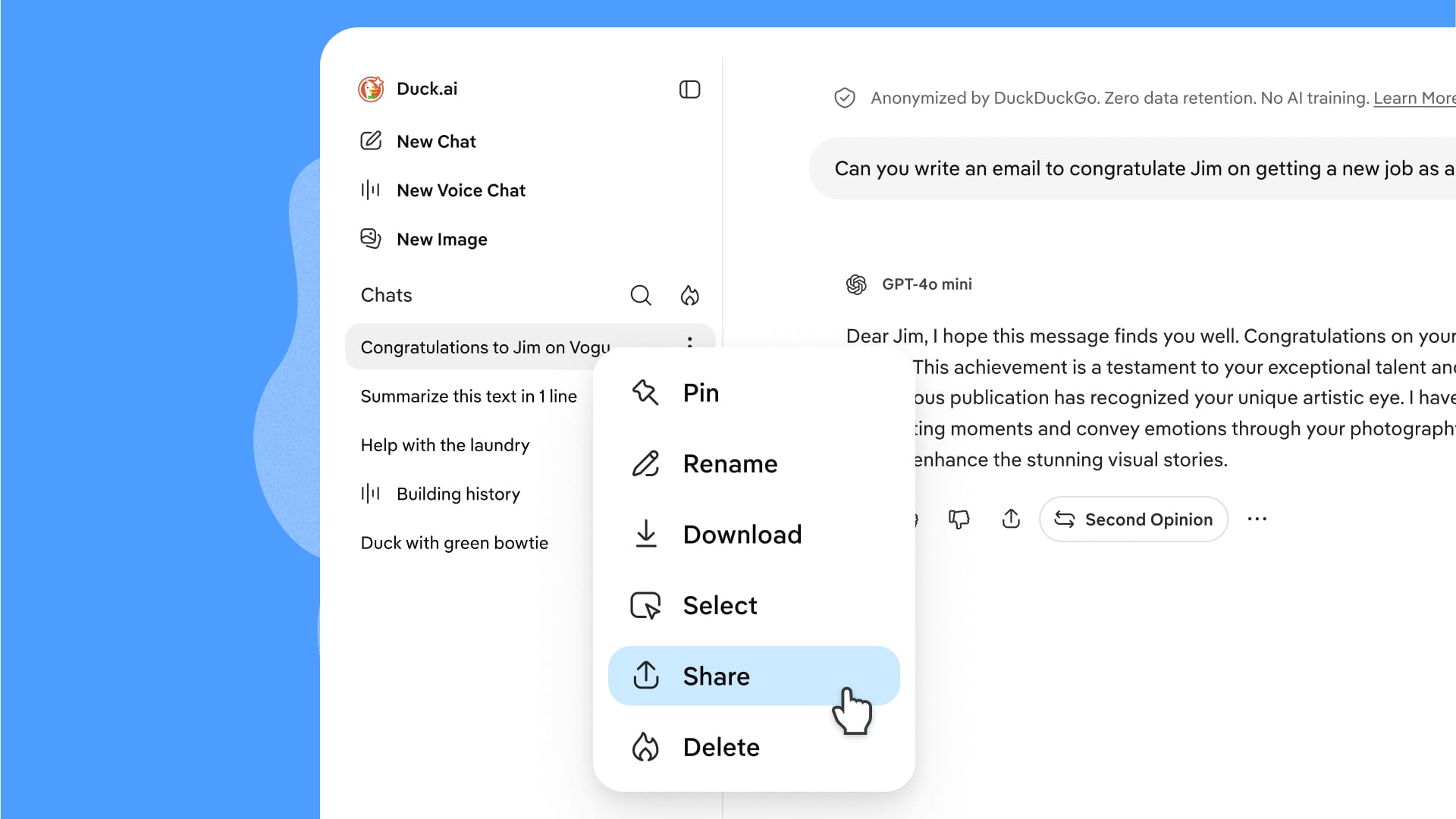
Anyone who opens the link can read your chat, continue the conversation on their own, or save it to their Duck.ai chats. Any follow-ups they add stay private to them, and any follow-ups you add stay private to you. Images generated by the AI are included in the shared chat, but files you uploaded are not.
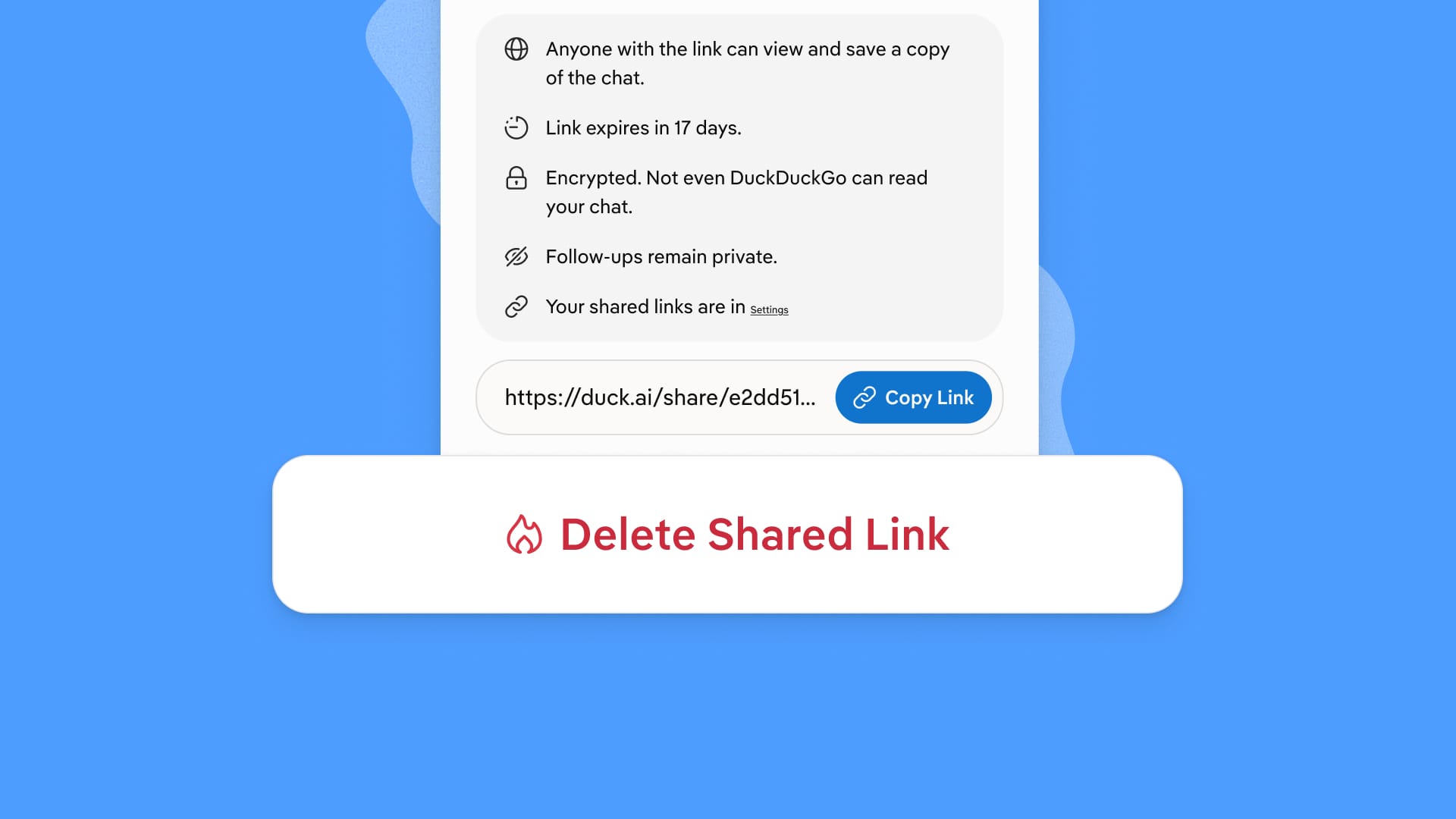
You can see every link you've shared, along with their expiration dates, and delete any of them under Duck.ai Settings > Shared Chats.
How is it private?
At DuckDuckGo, we believe the best way to protect your personal information from hackers, scammers, and privacy-invasive companies is to stop it from being collected at all. Duck.ai already works that way: we call the AI models on your behalf so providers never see your IP address, chats are never used for training, and your chat history is stored on your device rather than our servers. When we set out to design chat sharing, we knew it had to meet that same bar.
When you create a share link, your chat is encrypted on your device before it's uploaded. The link you copy has two parts: an identifier that tells our servers which encrypted chat to fetch, and a key that decrypts it. The key is in the URL fragment, which is after the # in the link, and browsers typically leave the fragment out of any requests they send to servers — including ours. In other words, sharing a chat is like storing a locked box with us and handing the key directly to your recipient. We tested this carefully to ensure the key will never wind up in our telemetry, error reports, or other logs.
On top of that:
- Share links are long and random, so no one can find your chat by guessing the link.
- Every shared chat page tells search engines not to index it, both in the page and in the response our servers send when the page is requested. Google and other search engines will see those instructions and drop the page from their index, so it won't show up in their search results.
- Links expire after 48 hours by default, and after that, the shared chats are deleted from our servers. You can also set the expiration to 1, 2, 7, or 30 days or delete the link earlier at any time. Anyone who saved a copy before deletion will keep their copy.
- The Fire Button in Duck.ai now lets you delete your shared links.
What we learned from other AI chat services
Over the past year, shared conversations from ChatGPT and Claude have appeared in search results, sometimes including users' names and other personal details. In some cases, people had opted in to making their chats discoverable without realizing what it meant, and in other cases, share pages simply weren't blocked from indexing.
We studied those incidents before building our sharing solution. Duck.ai share pages are blocked from indexing, there is no opt-in to discoverability, the content is encrypted with a key we never see or store, and every link has an expiration date.
What a link can't protect
There's an important limitation to understand. Once you share a chat and someone else reads it, no technical measure can stop that person from saving it outside of Duck.ai or sharing it with people you did not intend. Even if we tried to stop them from saving it digitally, they could memorize it or write it down on a sticky note. This is an inherent limitation of any private messaging or sharing tool, no matter how it's designed.
We recommend that you share links directly with your intended recipients, and if you want to share it more publicly, be sure that you're comfortable seeing that chat's contents in public. Set a short expiration, like our default of 48 hours, or delete the link as soon as your intended recipients have seen it. And if you ever want a clean slate, use the Fire Button to clear every chat and every link at once.
Ready to try it?
Head to Duck.ai, open a chat, and look for the share icon beneath any response. Sharing is new, so please tell us how it's working for you through the Share Feedback button in Duck.ai. Feedback is anonymous and goes to only us.
Not interested in AI at all? Duck.ai and all our AI features are optional. You can hide them from your search settings and from the Duck.ai section of your DuckDuckGo browser settings.